



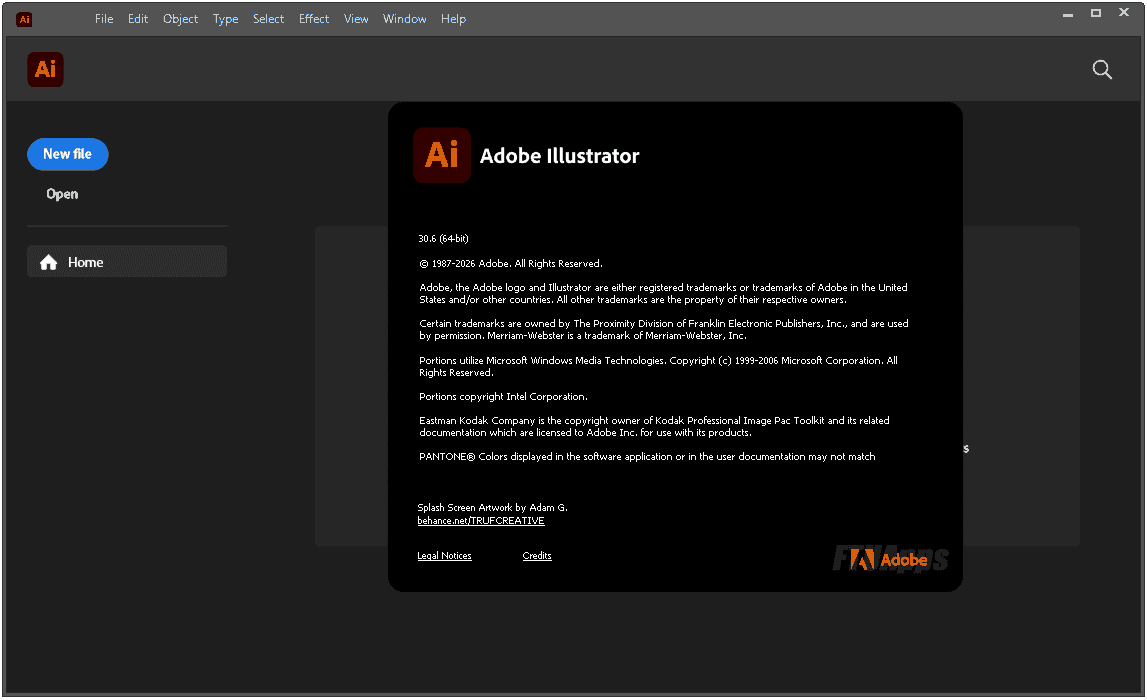
Multilingual | 64bit | RePack
Adobe Illustrator 2026 v30.6.0.109 (x64) Multilingual Pre-Activated [FTUApps]
Adobe Illustrator is an industry-standard vector graphics application widely used by designers in various fields of digital graphics, illustration and printing, in the development of all kinds of multimedia resources such as printed materials, web content, interactive media, videos and mobile applications.
Create vector graphics in the program that the pros use. Experience everything from web and mobile graphics to logos, icons, illustrations, packaging design and billboards. Enjoy creative freedom with Adobe Illustrator !
Benefits of Adobe Illustrator 2026:
– Easy search, application and systematization of fonts
Use the improved font browser with clearer sections and new filters to quickly find your fonts and explore the extensive Adobe Fonts library. Plus, better organize and manage your fonts using Creative Cloud Libraries right in the font browser.
Smoother color transitions with gradient dithering.
Apply dither to gradients to minimize banding and create smooth gradient transitions in your digital work.
– Control perceptual color blending in gradients for a natural transition.
Use perceptual interpolation to create smoother, more natural gradient transitions, tuned to the human eye.
– Browse, select, and apply colors faster with the improved Color Picker tool.
Quickly sample colors and preview colors before applying them. This makes it easier to select precise tones from subtle strokes, gradients, or detailed images.
– Apply creative, ready-to-use gradient styles.
Speed up your project workflow with a wide selection of gradient styles that let you instantly add color transitions.
– Snap line endpoints to tangents
Accurately align line endpoints to curves by snapping them tangents, creating smooth contours without manual adjustments.
– Use perpendicular snapping for precise alignment
Snap paths strictly perpendicular to lines or curves, maintaining precise and consistent right angles.
– Prevent accidental edits by locking artboards.
Right-click to instantly lock all content on the artboard. This prevents accidental movements and changes, helping you focus on your workspace.
– Personalize your workspace with colored artboards
Assign background colors to artboards to improve visual tracking, separate design areas, and increase clarity when working with multiple artboards.
– Export only the artboards you need
Select specific artboards and export them directly from the canvas, saving time and effort.
– Manage artboards without leaving the canvas.
Right-click to instantly duplicate, rename, lock, export, and organize artboards—all in one place.
– Improved app performance
Save large files faster to ensure your work is immediately protected, recover files quickly and reliably from unexpected crashes, and enjoy smoother editing as you move, scale, rotate, and duplicate without lag or interruptions.
– Organize, collaborate, and share in Projects.
Create shared environments in Projects to organize and collaborate on files across Adobe Photoshop and Adobe Express.
– Place and edit images from the Adobe Firefly website in the app.
Access Firefly history from the Home screen or from the Illustrator workspace to work with raster images created on the Firefly website—without downloading or uploading.
– Speed up creation with Adobe Express templates
Find the template you need right from Illustrator’s main screen and customize it in Express.
List of changes made:
– The assembly is based on the standalone Adobe installer version 6.10.0.252.3, which is not available to the general public.
– The Adobe Desktop Common module, which was required to be installed by the original installer, has been removed from the installer except for the bare minimum.
– The Adobe Creative Cloud module, which was required to be installed by the original installer, has been completely removed from the installer.
– The installer provides a choice of installation path and program interface language, as well as the ability to launch the program immediately after installation is complete.
– During installation, a video carousel is launched in the installer window, demonstrating the program’s capabilities.
– Unlocked the ability to install the program on Windows 10 / 11 earlier versions.
– The Adobe Illustrator core module has been updated to version 30.6.0.109.
– Adobe Content Synchronizer (Core Sync) helper has been updated to version 7.8.10.1.
– The Creative Cloud Content Manager (CCX Process) helper module has been updated to version 7.8.0.2 and excluded from OS startup.
– The Adobe Genuine Service spyware module will be removed if it was previously installed with other Adobe programs.
– The CRLog Transport Application and Adobe Crash Processor spyware modules are disabled.
– The program has already been disinfected. You can use it immediately after installation.
General Information:
Release year : 2026
Version : 30.6.0.109
Developer : Adobe
Platform : Windows x64
Interface languages: English / Hungarian / Dutch / Danish / Spanish / Italian / Chinese (simplified) / Chinese (traditional) / Korean / German / Norwegian / Polish / Portuguese (Brazil) / Russian / Turkish / Ukrainian / Finnish / French / Czech / Swedish / Japanese / English (UK) / English with Arabic support / English with Hebrew support / Spanish (Mexico) / French (Morocco) / French (Canada)
Treatment: Cured/PreActivated
What’s New In Version:
– https://helpx.ad0be.com/illustrat0r/release-notes.html
System Requirements:
– 64-bit version of Microsoft Windows 10 (version 20H2 or later) ; Microsoft Windows 10 64-bit
– Multi-core Intel or AMD Athlon 64 processor with 64-bit OS support and SSE 4.2
– 8 GB RAM (16 GB recommended)
– 2 GB free hard disk space; additional free space required during installation
– Video card with 1 GB VRAM (4 GB recommended) and support for OpenGL 4.x
– Screen resolution of 1024×768 (1920×1080 recommended)
– To use the Touch workspace, a tablet/monitor with touch input is required running Windows 10 (Microsoft Surface Pro 3 recommended)
– Internet connection and registration required to access online services
Install with admins right & Enjoy, No activation is required / Instruction is Included in the folder!
Setup: No Virustotal due to the file size are limited – It’s clean no harm, no injects, no shit, just cracked by the scene group!
Size: 2.37GB


-:: HOW TO DOWNLOAD TORRENT ::-
Click DOWNLOAD BUTTON Above, and you will see a tiny Pop-up saying > Allow Magnet Link < Click > Choose Application < > Click > Open Link > your default torrent client will start, now press OK and wait for the finish!



Thank you Sir,
We have updated this version Adobe Illustrator 2025 v 29.0.0.186 Multilingual Pre-activated
if can, please sharing “Multilingual(include “Chinese Tradition”)Portable
We often use portable,that will be great,and thank you very very much.
James
Sir, I’m facing the issue of the genuine message. Please help.
Aruna
Ignore it and read the FAQ, given inside or else read via adobe pack.
Thank you Sir!